
Powering Up Your Device...
Charge your device:
Before turning on your device, charge it fully. Insert the small end of the charging cable into the charge port and plug the charger into an electrical outlet.
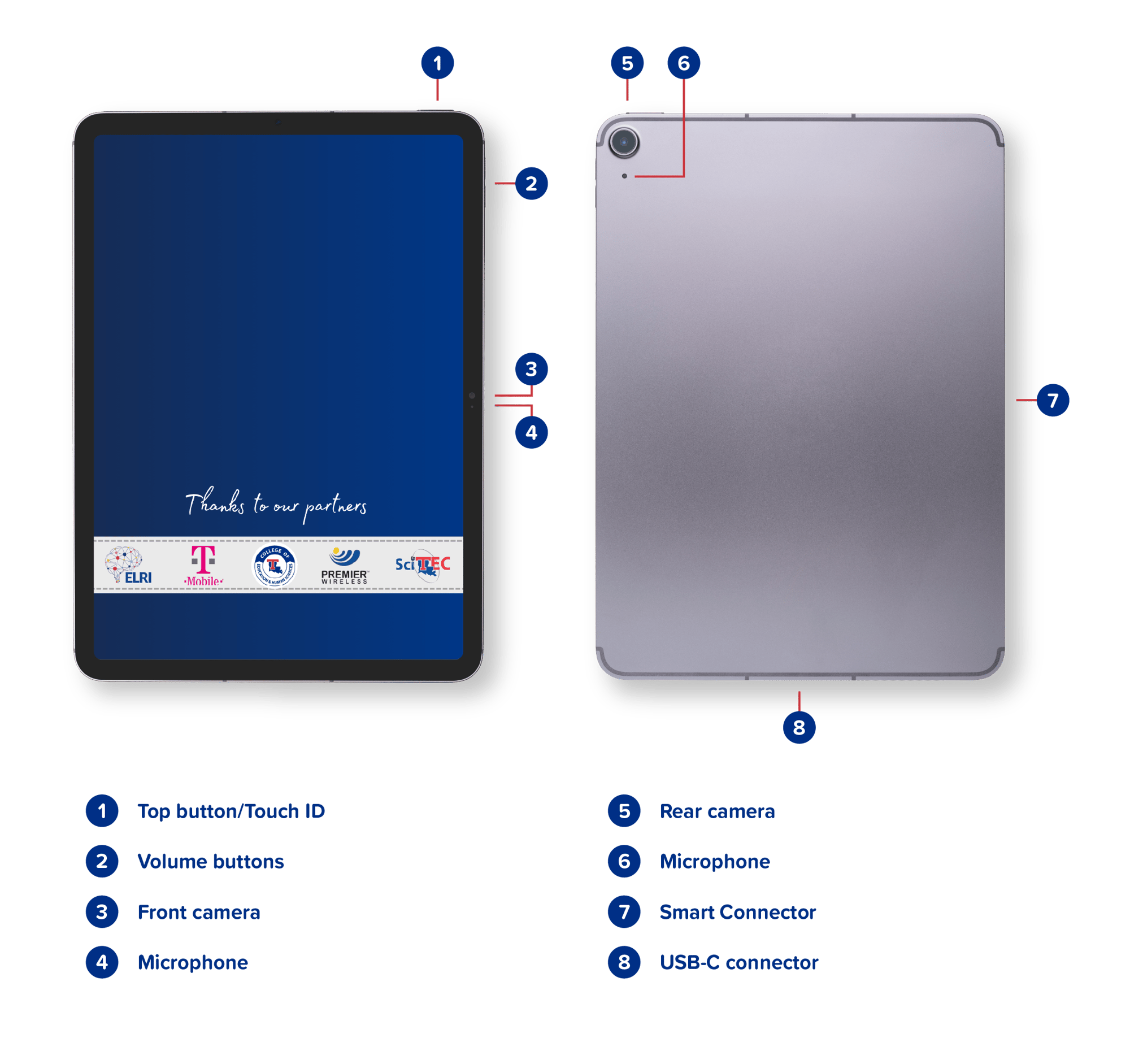
Turn your device on: To turn the device on, hold down the Top Button until the Apple logo appears on the tablet. If iPad doesn’t turn on, you might need to charge the battery. For more help, see the Apple Support article If your iPad won’t turn on or is frozen.
Turn your device off: To power the device off, press and hold the Top Button and then drag the slider. You can always go to settings > general > shut down, then drag slider.
Note: If the device has not been powered up for some time, it may require multiple updates upon powering up.
POWERED BY T-MOBILE 5G.png?width=158&height=40&name=TFB_Partner_Logo_Elite_PRI_RGB_on-W_2022-03-24%20(1).png)
